Connect the sources
Capture the order by upload or manual entry. Assign the components actually installed, matching manufacturer documents and references you are authorised to use.
HEEP Loop · For pump and fire protection system manufacturers
Connect order data, datasheets and your company knowledge in one workflow. Review technical details, approve a manual and deliver it through a QR code. Knowledge explicitly cleared for reuse helps with the next order.
Operating manuals and CE evidence in one connected workflow.
Datasheet + page reference
or clearly flagged: [WERT FEHLT]
Capture the order by upload or manual entry. Assign the components actually installed, matching manufacturer documents and references you are authorised to use.
Edit chapters and text blocks with or without AI. Add CE evidence and check technical details against the sources.
A named reviewer checks the document, makes corrections or returns feedback. Following expert approval, you explicitly publish the version as a PDF and through the equipment link.
Pressure, torque and temperature belong to a specific component. Loop links technical details to matching sources and flags missing values. Your reviewer checks the value, unit and source reference.

You explicitly clear suitable wording and house style for reuse within the same company. Loop checks provenance and all original rights, including content reused again. Technical values still need matching sources for the new equipment.
VdS, NFPA and DIN have dedicated specialists for the equipment and task. They support review questions and use standards excerpts cleared for processing. Your experts check the edition, applicability and results. How Loop handles standards.
Approval and delivery
The equipment link opens the latest approved manual. A version link identifies a specific PDF. This lets you deliver current information and refer to earlier editions precisely.
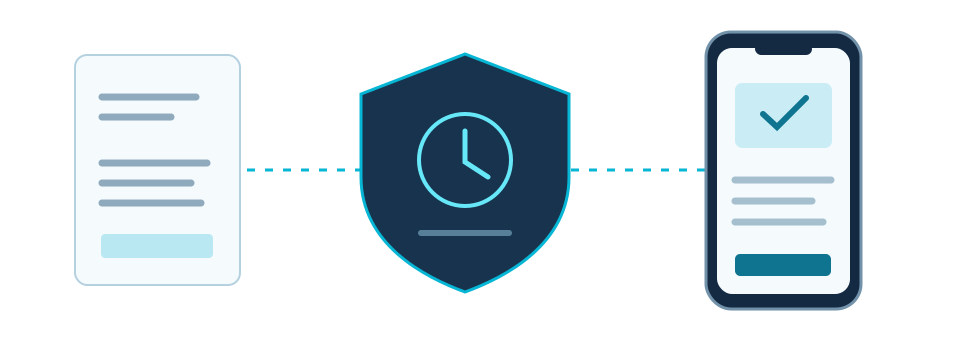
Operators can open the latest approved manual without signing in. Before publication, you review which content will be public. Individual PDF versions can be linked directly.
Version history, reviewer and approval time identify the document state. Your logo, contact and service details belong in your manual; company details are saved with the approved version.
OpenTimestamps links the file fingerprint to a Bitcoin timestamp proof. You can retrieve and upgrade the proof, then check its anchoring. A completed proof establishes the prior existence of that file version.
Provider selection, your own AI keys and an isolated workflow are available in the software. Models and deployment mode are configured and checked for your installation and documents. A turnkey customer installation package is still pending.
Your own server, cloud and domain form part of the agreed deployment model. Setup, updates, backups and support access are scoped and accepted individually. Sensitive documents can be handled in an isolated workflow with local AI or human review.
Assign suitable models to different tasks and disable external tasks selectively. Anthropic and local Ollama models are connected. The prepared OpenAI integration still requires a live connection test and activation.
You pay your AI providers directly. HEEP does not resell tokens, add a token markup or impose extra token quotas. Provider limits and your own budgets still apply.
Record the legal framework, standards references, risks, protective measures and evidence with the order. The technical file and declaration remain linked to documented review states. Responsible experts provide the assessments and verified safety evidence.
Develop a translation draft with a glossary and expert review. An approved language version refers to its original version. Changes to the original make the need for another review visible.
Your team records the date, task and details for each asset in the internal maintenance log. Corrections preserve the original entry. When needed, link the approved manual that applied at the time. External technician access and spare-parts orders are outside the current scope.
A fictional example: your reviewer improves a pump system’s installation instructions. Once explicitly cleared for reuse, that wording can be suggested for the next suitable order. Loop preserves its provenance; different components and their technical values are checked again.
AI supports editorial work; the responsible people assess technical accuracy and conformity. Missing sources and review findings are resolved professionally before approval. Timestamp proofs document a file version and do not replace that review.
Your next step
For the pilot, bring order data, component documents and a technical contact. Together we agree the scope, price and review process before starting. The example produces an edited manual, an overview of missing sources and the agreed approval workflow. We compare editing time and rework with your existing process.